Choosing granite is not simply about finding an attractive pattern. Colors, pattern scale, lighting, and furniture within a room can all influence the final appearance. That is why looking at granite samples alone is often not enough to make the right decision.
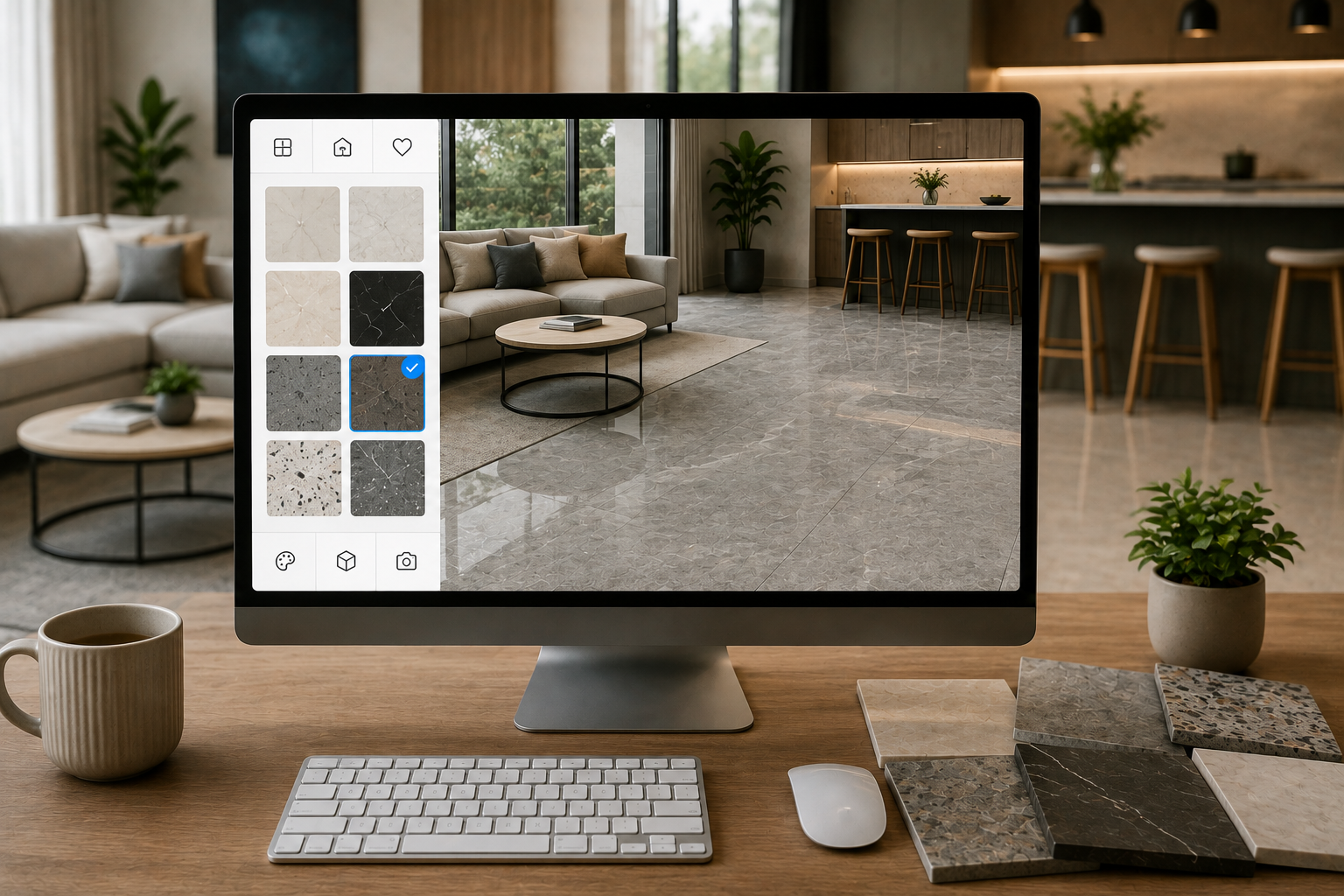
With the MELIUZ Granite Visualizer, you can virtually try different granite collections in a room setting. This feature provides a clearer preview, making the granite selection process easier and more organized.
Why Can't You Choose a Granite Pattern Based Only on a Small Sample?
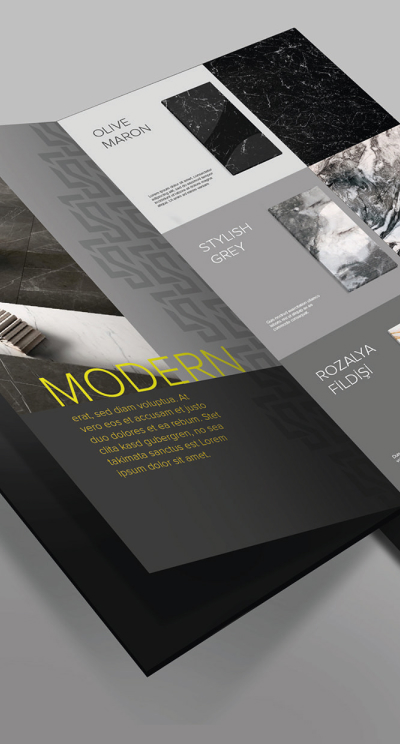
Granite samples can show the color and surface texture, but they do not necessarily represent how the material will look when applied across a larger area.
1. Patterns Can Look Different When Applied to a Larger Area
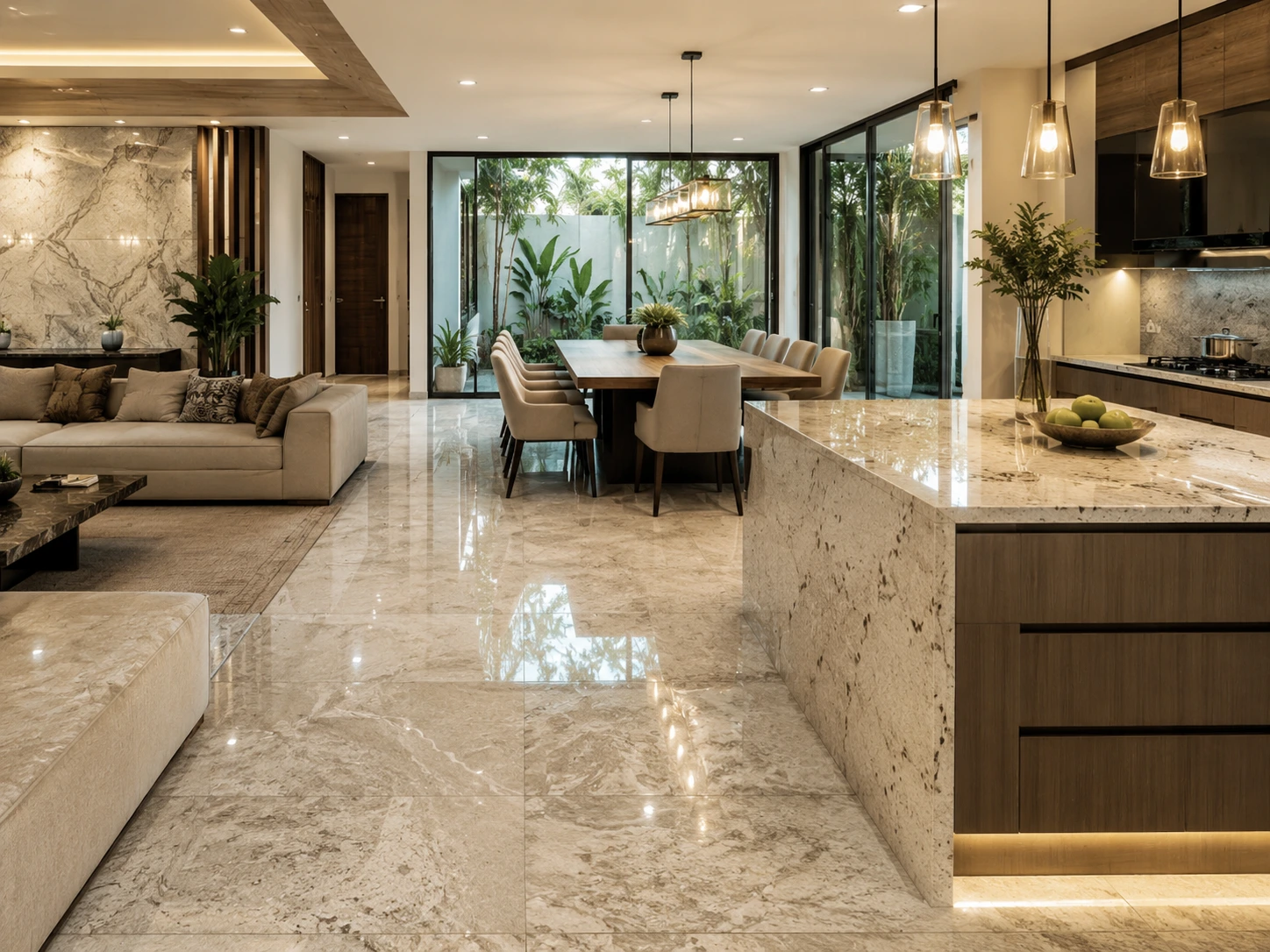
A granite pattern that looks simple on a small sample may create a completely different impression when used across an entire floor or wall.
2. Colors Are Affected by Room Lighting
Natural and artificial lighting can influence how granite colors appear. A visual simulation can provide a closer idea of how the granite may look in a particular room setting.
3. Pattern Scale Should Match the Space
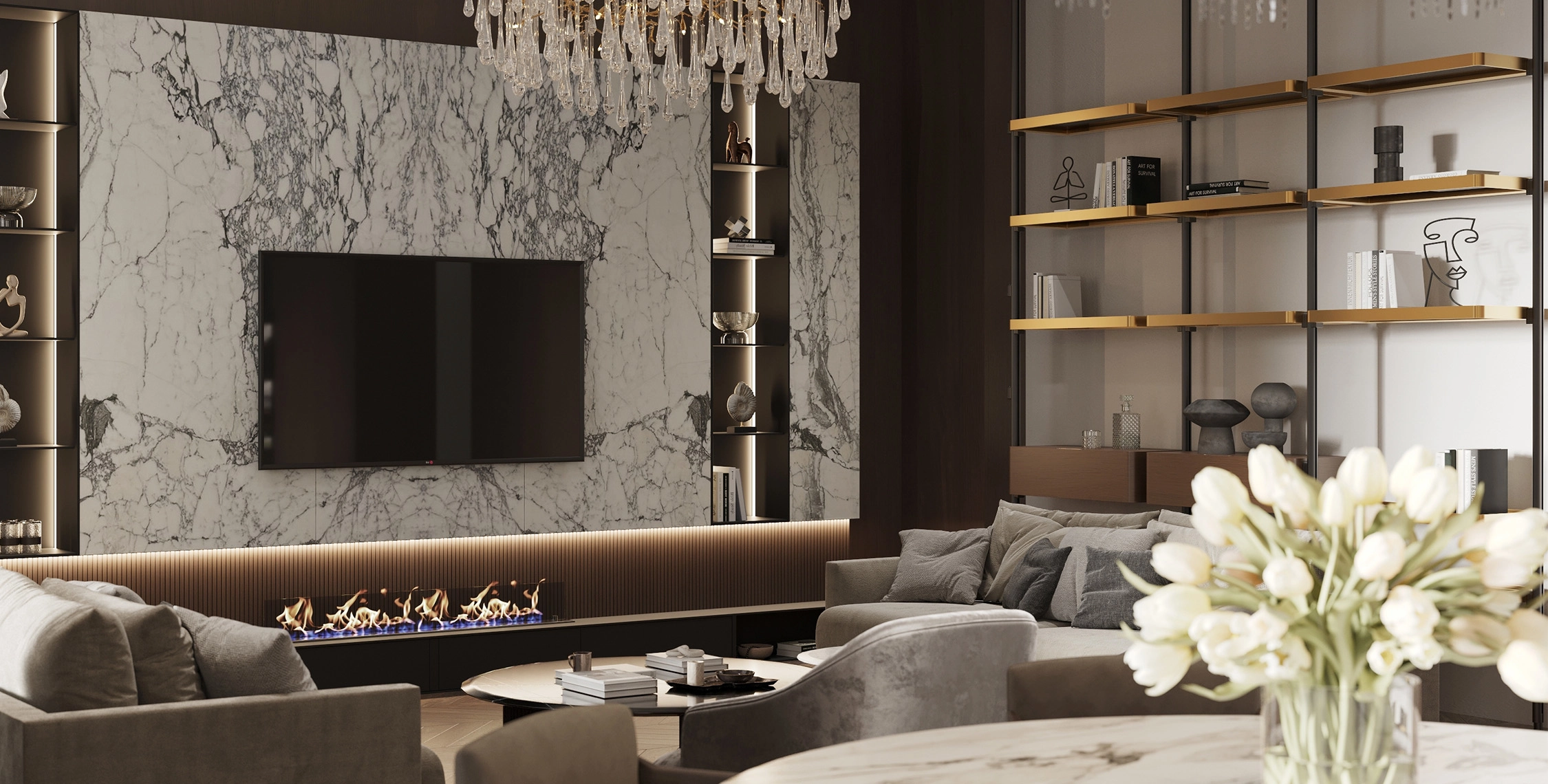
Large patterns generally work well in spacious rooms, while more subtle patterns can be suitable for smaller spaces.
4. Granite Should Complement Other Interior Elements
In addition to considering the granite itself, you should also assess how well it coordinates with wall colors, cabinets, furniture, and other decorative elements.
What Is the MELIUZ Granite Visualizer?
The MELIUZ Granite Visualizer is a feature on the official MELIUZ website that allows users to virtually try different granite options in a room setting before making a purchase.
Through this feature, you can select a room type or upload your own room photo, then compare different granite patterns, colors, and surface characteristics to find the combination that best suits your space.
Benefits of Using the MELIUZ Granite Visualizer
1. Reduce Uncertainty When Choosing Patterns
The Visualizer provides an initial preview of how the granite may look, helping you make your selection with greater confidence.
2. Make It Easier to Choose Granite Colors
You can compare several color options at once to determine which one best complements your room concept.
3. Match Granite to Your Interior Concept
Whether your style is minimalist, modern, Japandi, or natural, you can explore different patterns before deciding on a product.
4. Make Design Discussions Easier
The visualization can serve as a reference when discussing your design preferences with family members, interior designers, or contractors.
5. Create a List of Preferred Products
After finding several suitable patterns, you can create a shortlist of products to use as a reference before purchasing.
How to Use the MELIUZ Granite Visualizer
Using the MELIUZ Visualizer is simple and only requires a few steps:
- Open the Visualizer feature on the official MELIUZ website.
- Select a room type or upload a photo of your room.
- Choose the area where you want to install granite, such as the floor or wall.
- Try and compare different patterns, colors, and surface characteristics.
- Save the products you prefer as references.
What to Do After Finding the Right Granite
1. View the Product Sample in Person
Visit a showroom to see the granite's actual color, pattern, and surface characteristics.
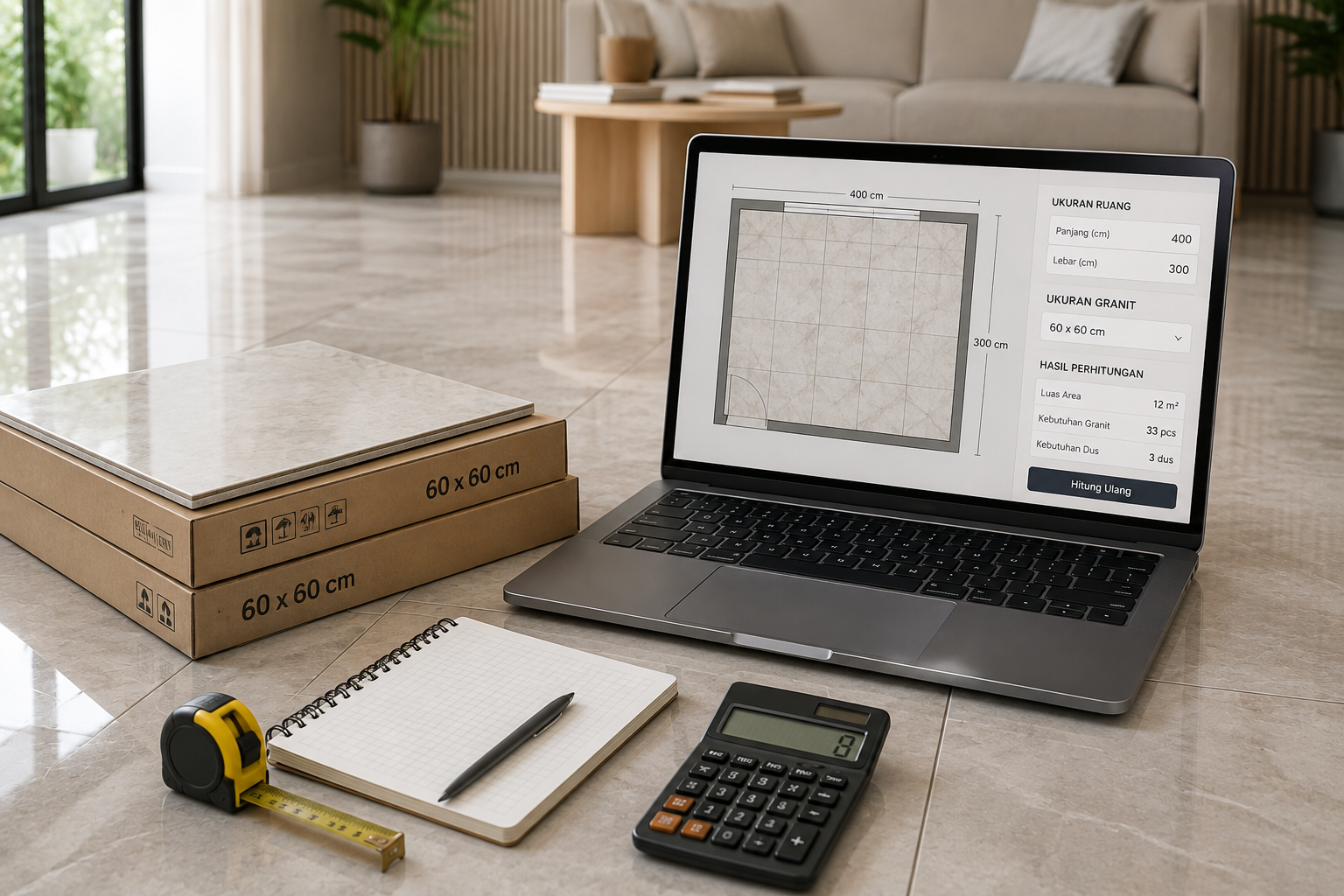
2. Calculate Your Granite Requirements with the MELIUZ Tile Calculator
Use the MELIUZ Tile Calculator to estimate the amount of granite required based on the installation area's dimensions.
3. Check Product Availability at the Store
Make sure your preferred product is available at the showroom before visiting to make the purchasing process more efficient.
4. Discuss the Installation Pattern
Discuss the installation pattern with your installer or contractor to ensure the final result matches your desired design concept.
Explore Granite Patterns with the MELIUZ Granite Visualizer Before Buying
The MELIUZ Granite Visualizer helps you compare different patterns virtually, making the granite selection process easier and more organized.
To view the collection in person, you can visit a MELIUZ showroom through the Store Locator feature on the official website. Select your city or area, choose the nearest showroom, and contact the store beforehand to confirm product availability before visiting.
You can also use the MELIUZ Tile Calculator to estimate your granite requirements before purchasing.
FAQ
What is the MELIUZ Granite Visualizer?
The MELIUZ Granite Visualizer is a feature that allows users to virtually try different granite patterns in a room setting before making a purchase.
Can I use my own room photo?
Yes. You can upload a photo of your room so the visualization can provide a representation that is closer to your actual space.
What are the benefits of using the Visualizer before buying granite?
The Visualizer helps you compare granite patterns, colors, and surface characteristics so you can select a product that better suits your interior concept.
What should I do after finding a suitable product?
View the granite sample in person at a showroom, use the MELIUZ Tile Calculator to estimate your material requirements, and check product availability through the Store Locator before visiting.
 Visualizer