Choosing granite involves more than simply looking at product samples. A pattern that looks attractive in a catalog may create a different impression once installed in a room. Differences in lighting, wall colors, and room size can all affect the final appearance.
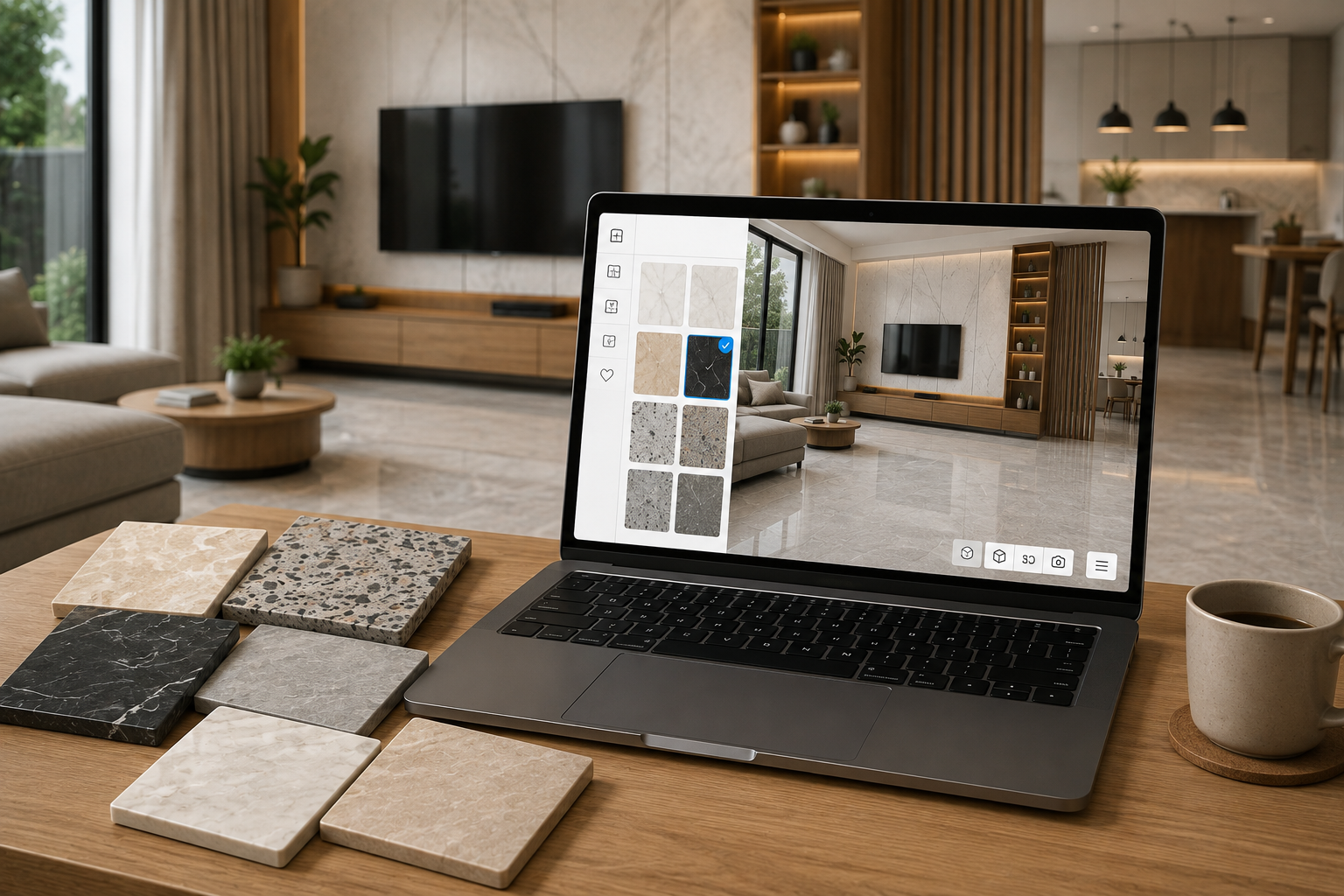
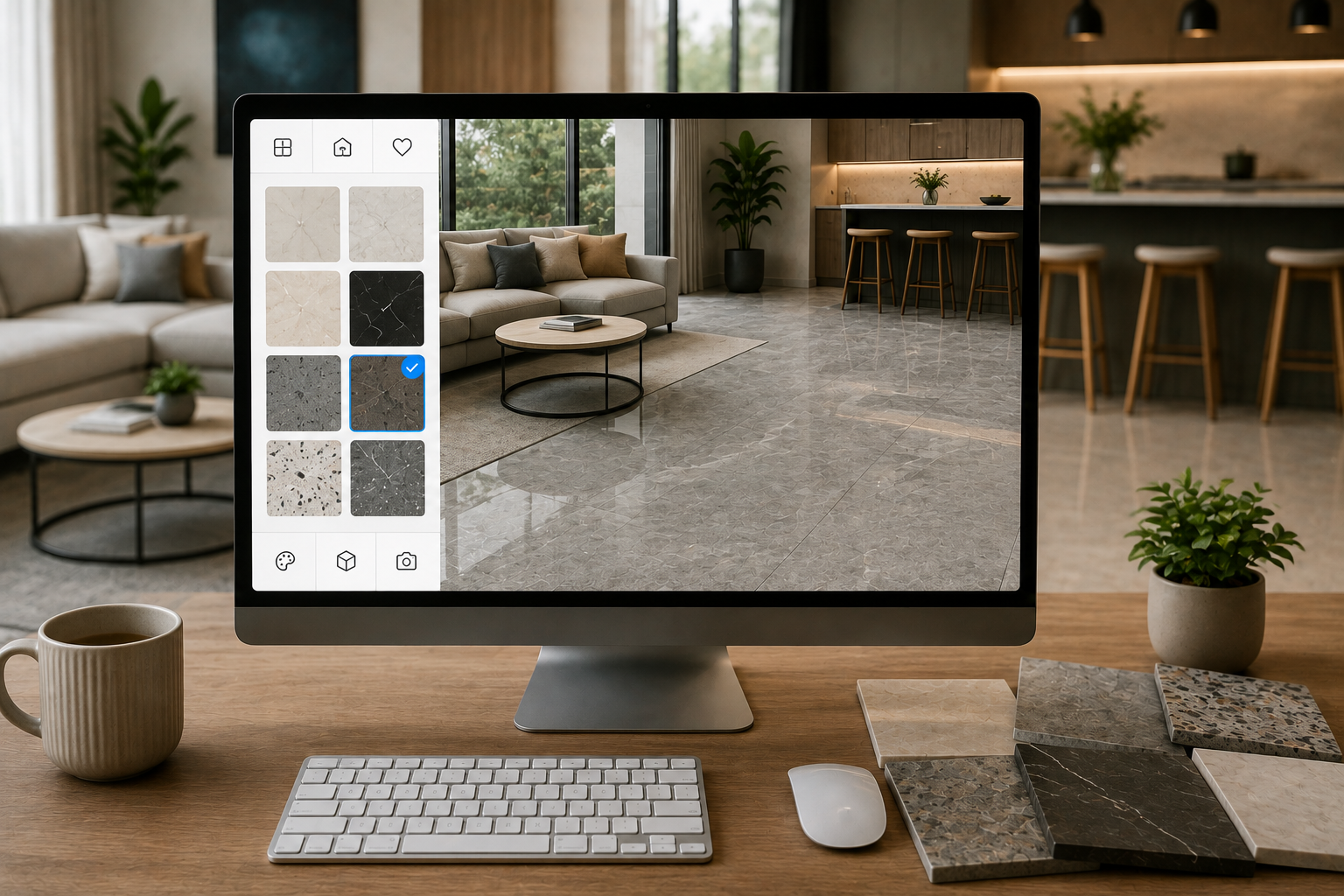
To help with the selection process, you can use the MELIUZ Visualizer. This feature allows you to try different granite patterns virtually, making it easier to imagine the final result before purchasing.
Why Should You Try Granite Patterns Before Buying?
Viewing granite simulations in a room can help you make a more informed decision. Here are several reasons why.
1. Granite Patterns Can Look Different in Each Room
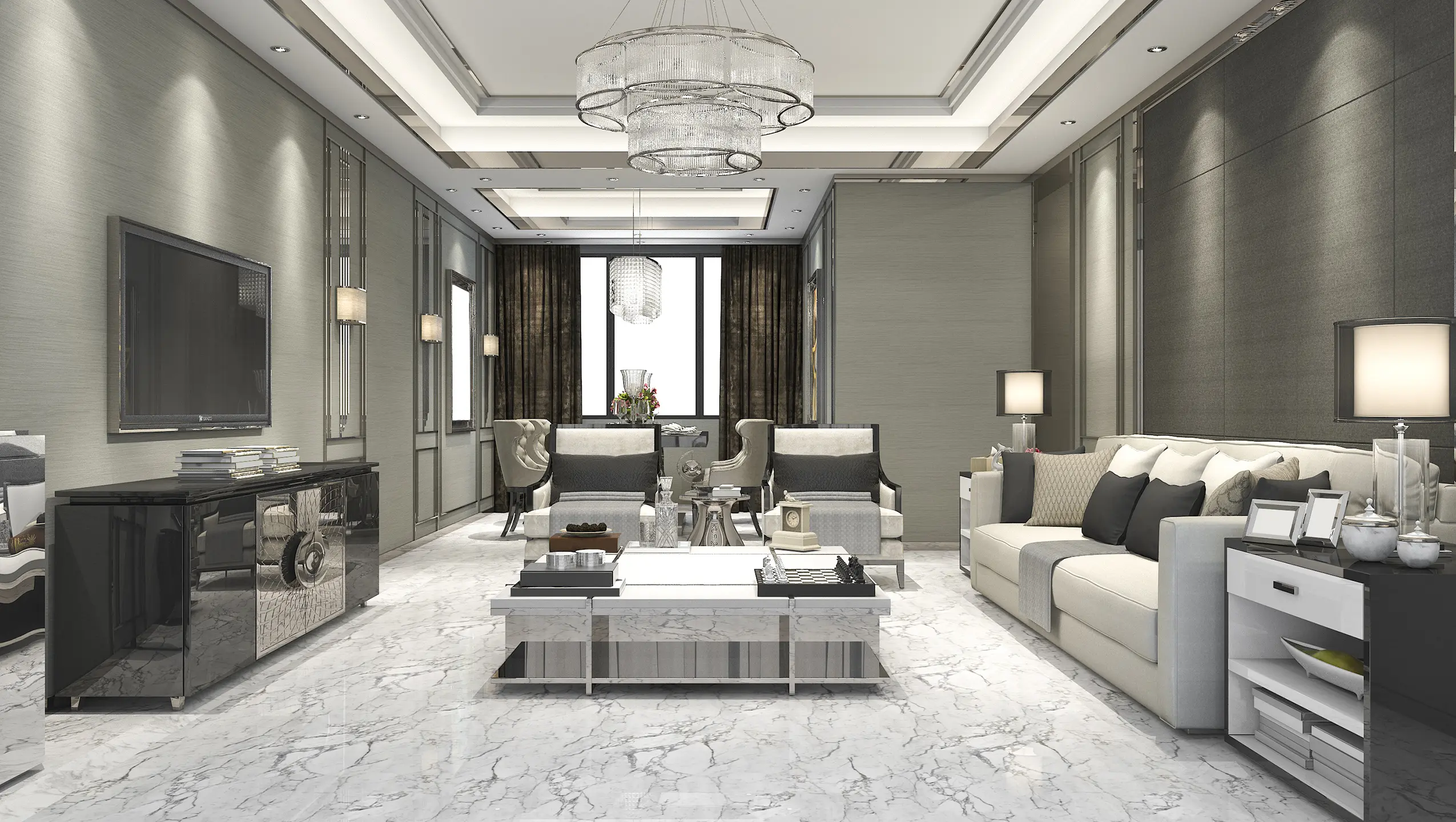
Granite patterns can create different impressions depending on the room size, installation position, and surrounding interior elements. Visualization helps you see how a particular pattern works with the overall design.
2. Color Is Affected by Interior Lighting
Both natural and artificial lighting can affect how granite colors appear. The Visualizer provides an initial idea of how a color may look in a particular room setting.
3. Pattern Scale Should Match the Area
Large-scale patterns may work well in spacious rooms, while subtler patterns are often suitable for smaller areas. Simulation makes it easier to assess the proportion of a pattern before installation.
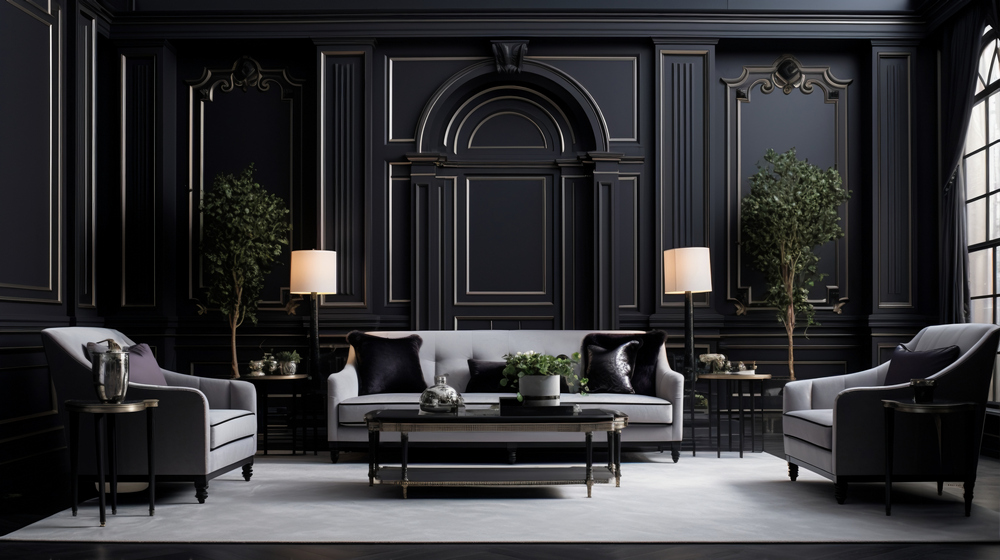
4. Granite Should Complement Furniture and Wall Colors
In addition to the floor or walls, granite should work well with furniture, cabinets, and paint colors to create a harmonious overall appearance.
What Is the MELIUZ Granite Visualizer?
The MELIUZ Visualizer is a feature on the official MELIUZ website that allows users to try different granite collections virtually before making a selection.
1. A Feature for Trying Granite Patterns Visually
You can see how different granite patterns look in a room, making it easier to compare various options.
2. Helps You Visualize Floors and Walls
The Visualizer can be used to simulate granite applications on floors and walls according to your design needs.
3. Makes It Easier to Compare Different Products
You can try different patterns, colors, and surface characteristics without having to visit multiple locations or browse through numerous references.
4. A Reference Before Visiting a Showroom
After finding several suitable products, you can save your selections as references before viewing the granite samples in person at a showroom.
How to Use the MELIUZ Visualizer
The MELIUZ Visualizer is designed with a simple interface, making it easy to use.
1. Choose a Room or Upload a Photo
Select one of the available room types or upload a photo of your own room. Make sure the photo has adequate lighting for a more representative visualization.
2. Select the Floor or Wall Area
Choose whether the granite will be applied to the floor, wall, or both so the simulation matches your design needs.
3. Try Different Granite Patterns
Explore various patterns, from marble-look and stone-look designs to neutral colors that complement your room concept.
4. Compare Colors and Surface Characteristics
In addition to patterns, you can compare colors and surface characteristics to find the combination that best suits your interior design.
5. Save Your Preferred Products
Once you find your favorite options, save them as references to make the selection process easier later.
Choose Your Granite Pattern with Greater Confidence Using the MELIUZ Visualizer
The MELIUZ Visualizer helps you get an initial idea of how granite may look in your room, making the product selection process easier and more structured.
To view the collections in person, you can visit a MELIUZ showroom through the Store Locator feature on the official website. Select your city or area, choose the nearest showroom, and contact the store beforehand to confirm product availability before visiting.
This way, you can see the granite's colors, patterns, and surface characteristics in person before making your final decision.
FAQ
What is the MELIUZ Visualizer?
The MELIUZ Visualizer is a feature on the official MELIUZ website that allows users to virtually try different granite patterns in a room setting.
Why should I try a granite pattern before buying?
Because colors and patterns can be affected by lighting, room size, and other interior elements. Simulation provides an initial reference before installation.
Can the Visualizer be used for both floors and walls?
Yes. You can try different granite collections for both floor and wall applications according to your design needs.
What should I do after using the Visualizer?
After selecting your preferred products, visit a showroom through the MELIUZ Store Locator to see the granite samples in person and confirm product availability before purchasing.
 Visualizer